The Anti-Subscription Manifesto: Reclaiming Your WordPress Budget
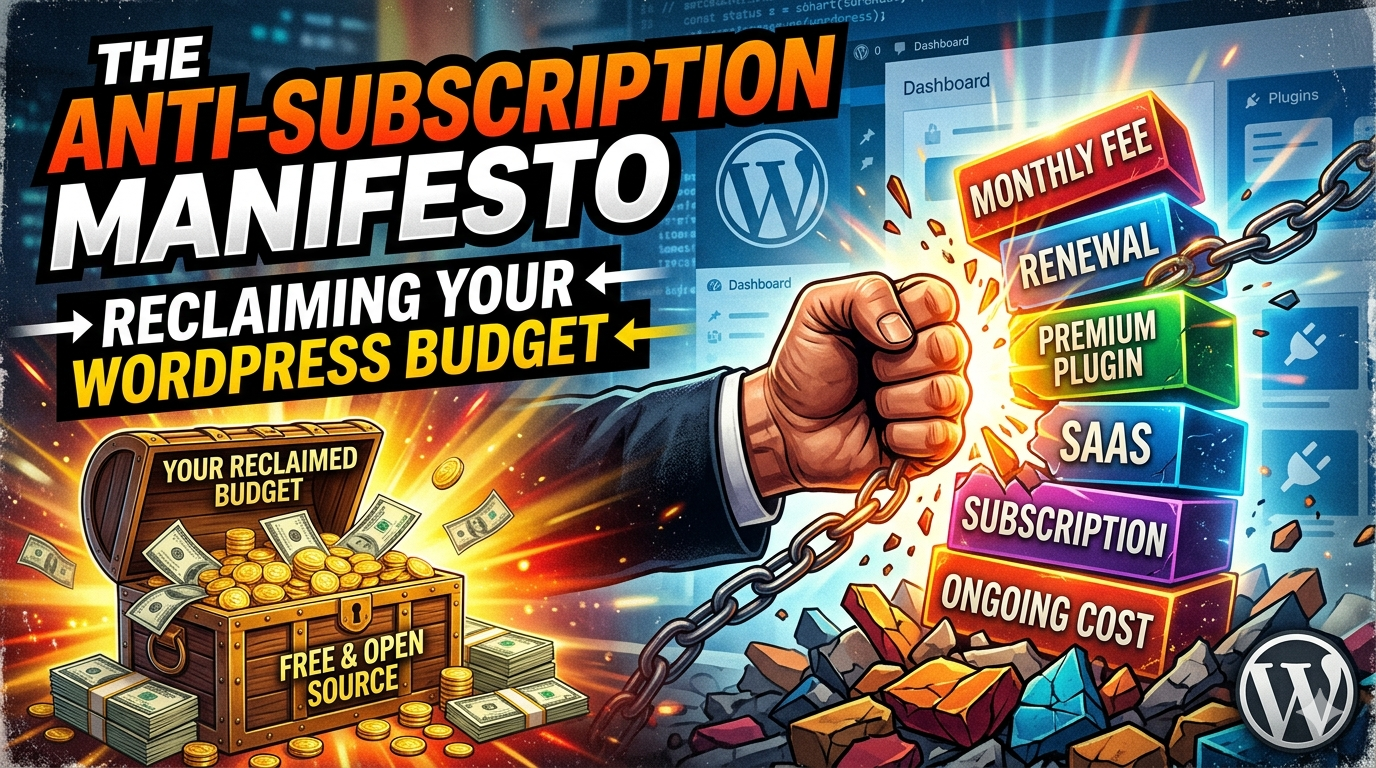 Every January, the same ritual plays out for thousands of WordPress site owners.
You open your bank statement. You scroll. And somewhere between your hosting bill and your email service, you see it — a wall of $9/month here, $19/month there, $49/year for this plugin, $99/year for that one. You add it up. You feel a little sick.
This is the WordPress Subscription Trap. And in 2024, it has never been more aggressive.
The average “serious” WordPress site owner is now paying $200–$600/year just in plugin and theme subscriptions — before hosting, before domains, before any actual marketing budget. That number has roughly doubled since 2019, as every tool that was once a one-time purchase pivoted to recurring revenue.
This is your manifesto. This is the guide to fighting back.
How We Got Here: The Great SaaS-ification of WordPress
WordPress was built on a one-time-purchase philosophy. You bought a theme. You bought a plugin. You owned it. Updates came free for a while, then maybe you paid for a year of support. Fine. Reasonable.
Then the SaaS model ate everything.
Plugin developers discovered what software companies had known for years: subscriptions are worth 5–10x more than one-time purchases in terms of lifetime customer value. So Elementor went subscription. Advanced Custom Fields went subscription. Yoast added a “premium” tier and kept upselling it. WP Rocket, Gravity Forms, WPForms, Kadence — the list goes on.
None of this is inherently evil. Developers need sustainable income. But the aggregate effect on your budget is brutal, especially when you’re running multiple sites.
The Audit: Face the Monster First
Before you can reclaim your budget, you need to see the full damage. Open a spreadsheet and list:
- Every plugin (free and paid)
- Every theme framework or page builder
- Every SaaS tool connected to your WordPress site (forms, analytics, backups, security, SEO)
- The renewal date and price for each
Don’t filter. Don’t justify. Just list.
Most people discover two things during this audit: subscription creep (tools you forgot you’re paying for) and redundancy (three tools doing roughly the same job because you switched tools and never cancelled the old one).
One common example: a site owner paying for Yoast SEO Premium, Rank Math Pro, and an SEO audit plugin — all active, all renewing. That’s $150+/year for three tools that compete with each other.
The Anti-Subscription Framework: Four Moves
Move 1: Renegotiate Before You Cancel
Most WordPress plugin companies will negotiate — they just won’t advertise it. Before cancelling anything, email the company and say you’re reviewing your subscriptions and may need to downgrade or cancel. Ask if there’s a loyalty discount, a longer-term plan discount, or a “pause” option.
You’ll be surprised. Companies would rather keep you at 50% revenue than lose you entirely. This works especially well for tools with high churn risk — form builders, backup services, and security plugins often have retention offers they don’t list publicly.
Move 2: Replace Subscriptions with One-Time Purchases
The “one-time lifetime deal” market for WordPress plugins is alive and thriving. Platforms like AppSumo, ProductHunt deals, and direct vendor sites regularly offer lifetime licenses. You pay once — typically $49–$199 — and own the plugin forever (or at least until the company shuts down, which is a real risk worth considering).
Top categories where lifetime deals are available:
- Form builders — Fluent Forms, WS Form
- Page builders — Bricks Builder offers perpetual licenses
- SEO — SEOPress has a one-time agency option
- Backups — BlogVault has offered lifetime plans during promos
- Caching — WP-Optimize, LiteSpeed Cache are free and excellent
The strategy: watch deal sites, buy during promos, stack savings.
Move 3: Go Native (WordPress Core Does More Than You Think)
WordPress core has gotten dramatically more powerful since Gutenberg’s full rollout. Before renewing any plugin, honestly ask: does the Block Editor do this now?
Patterns, reusable blocks, query loops, template parts — Gutenberg replaced entire categories of plugins that were essential just three years ago. The same goes for the Site Editor, which handles header/footer customization that used to require a premium theme framework.
Specific things you might be paying for that WordPress now does natively:
- Custom layouts and grid designs (Block Editor patterns)
- Related posts (Query Loop block)
- Header/footer customization (Full Site Editing themes)
- Simple contact forms (you can build them with blocks + free plugins like WPForms Lite)
Before your next renewal, spend 20 minutes in the block editor’s “Patterns” library. You may find your $79/year page builder doing less than you thought.
Move 4: Audit Your Traffic Before Paying for Scale Tiers
Many WordPress subscriptions are tiered by traffic or site count. This is where a lot of money bleeds out quietly. You signed up when you expected growth. You’re now paying for 100,000 visits/month on a site doing 12,000.
Every 6 months, audit your actual usage vs. your plan tier. Downgrade wherever your real traffic permits it. For security plugins, form plugins, analytics tools — all of them have tiers. Most will let you downgrade mid-cycle with prorated credit.
Also worth noting: before you pay for premium SEO plugins to manage your indexing, make sure your sitemap situation is actually handled correctly — a broken or misconfigured sitemap is one of the most common reasons SEO work doesn’t convert into rankings. Tools like mysitemaps.com let you generate, validate, and review your XML and HTML sitemaps without adding yet another plugin subscription to your stack.
The “Necessary Evil” List: Subscriptions Worth Keeping
Not every subscription is bloat. Some are load-bearing walls you shouldn’t touch.
Security (Wordfence, Sucuri, or equivalent): WordPress is the most attacked CMS on the planet. If you’re running any site that handles user data, payments, or serious traffic, a maintained security plugin is not optional. That said, the free tiers of most security plugins are sufficient for small-to-medium sites — the premium tiers are worth it mainly for agencies managing many sites.
Managed backups: Free backup solutions exist (UpdraftPlus free tier is solid), but if your site is revenue-generating, the peace of mind from an automated off-site backup service is worth the $2–5/month.
Page builder (maybe): If you or your clients rely heavily on a visual drag-and-drop workflow, the subscription may be genuinely productive. But audit how much you actually use the premium features versus what the free tier covers.
Everything else? Audit aggressively.
For Multi-Site Operators: The Math Gets Brutal
If you manage 5, 10, or 20+ WordPress sites — whether for clients or for your own projects — subscription costs compound hard. A plugin that costs $99/year with a “5 site” license becomes $200+/year for unlimited sites. Multiply that across 8–10 tools and you’re staring at $2,000–$4,000/year in plugin costs alone.
The anti-subscription strategy for multi-site operators:
- Centralize your stack — pick one page builder, one form builder, one SEO plugin, and use it everywhere. Spreading across different tools because different clients “prefer” them is a budget killer.
- Negotiate agency/developer pricing — most plugin companies have unlisted agency tiers. Email them directly and ask. A developer license that covers unlimited sites often costs 2–3x the regular price but covers 10–20x the sites.
- Use staging wisely — don’t pay for plugin licenses on staging environments. Most plugins allow activating on production only; enforce this.
- Build a shared plugin library — download and version-control your licensed plugins centrally. Stop downloading from dashboards repeatedly and start maintaining a controlled library you deploy from.
When you’re also building new client sites regularly, the launch checklist grows fast. One area often overlooked: generating a proper sitemap at launch is something you want systematized, not ad-hoc — using a dedicated XML sitemap generator keeps that step clean and consistent without needing another plugin installed on every site.
The Mindset Shift: Own Your Stack
The deeper problem with subscription culture isn’t financial — it’s psychological. When everything is subscription-based, you start renting your website’s functionality rather than owning it. You become dependent on SaaS companies’ pricing decisions, acquisition announcements, and shutdown risks.
The anti-subscription mindset is about building a stack you control:
- Prioritize open-source and self-hosted where possible
- Buy lifetime deals over subscriptions when the tool is proven
- Use WordPress core features before reaching for plugins
- Treat every renewal as a re-evaluation, not an automatic yes
Your WordPress budget should be spent on things that grow your site — content, hosting performance, maybe an email service for your audience. It should not be silently consumed by a dozen SaaS companies all betting that you’ll forget to cancel.
Final Word: The Budget You Reclaim Is Capital You Redeploy
The goal of this manifesto isn’t to run your WordPress site on $0/year. That’s neither realistic nor advisable. The goal is intentionality.
Every dollar you stop sending to an auto-renewing plugin you don’t fully use is a dollar you can redeploy into things that actually move the needle — better content, faster hosting, a tool that genuinely solves a problem you have right now.
Audit your stack this week. Cancel one thing. Negotiate one renewal down. Switch one paid plugin to its free equivalent.
That’s how the reclamation starts.